Imagine this: You pull into your driveway after a long day, press the button on your remote, and… nothing happens. Or worse, your neighbor’s remote accidentally opens your door! These frustrating moments are common, but the solution is often simpler than you think.
Learning how to reset garage door opener systems is a valuable skill for any homeowner. It can solve connectivity issues, erase old codes from lost remotes, and restore your home’s security.
This guide will walk you through the process for most major brands, ensuring your garage remains secure and functional.
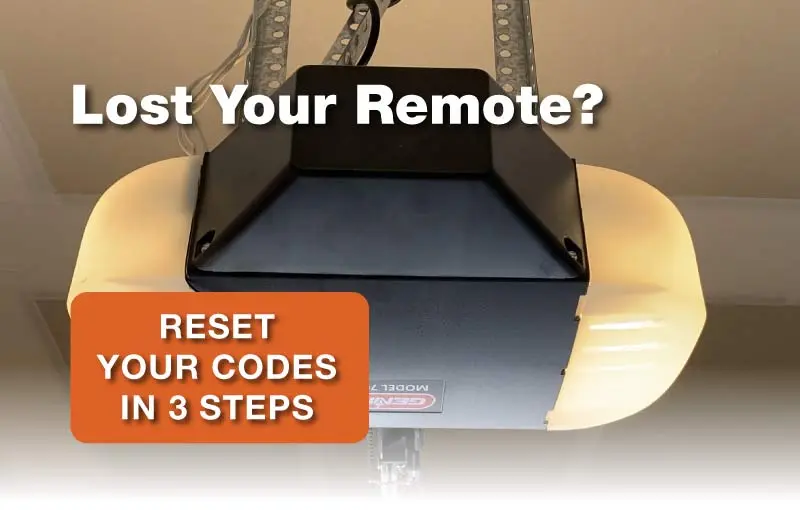
Why You Might Need to Reset Your Opener
Before we dive into the “how-to,” let’s look at why you would need to do this. A reset acts like a factory reboot for your garage door motor.
- Lost Remotes: If you lose a remote, resetting the memory ensures the missing clicker can no longer open your home.
- Moving In: Did you just buy a house? You don’t know who else has a remote. A reset clears all previous codes.
- Technical Glitches: Sometimes, power surges or electrical hiccups confuse the logic board. A hard reset can clear these “ghost” issues.
Locate the “Learn” Button
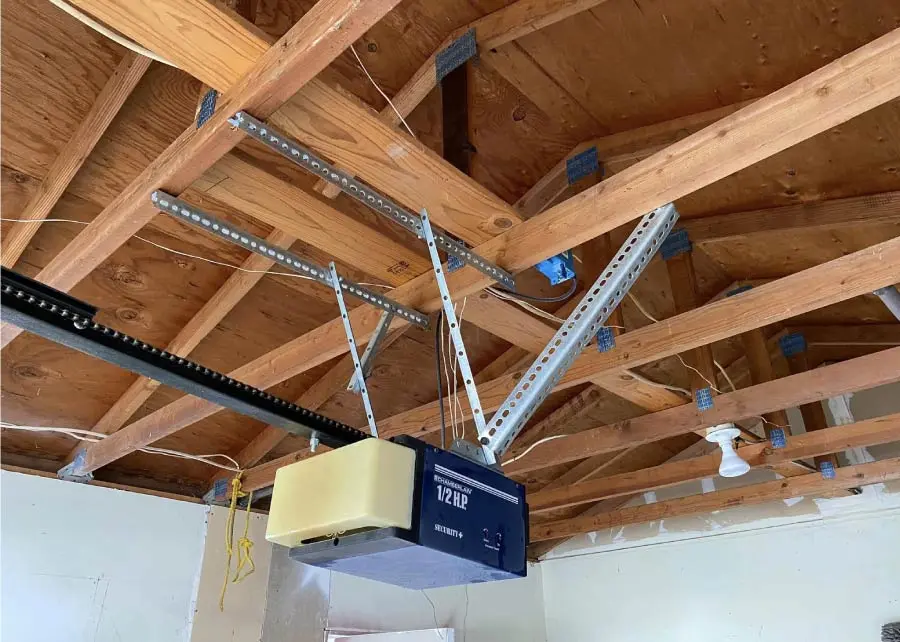
The key to this entire process is the “Learn” button on your motor unit. You’ll need a stepladder to reach the main opener box on your garage ceiling.
- Look for the antenna wire hanging from the motor.
- Remove the light cover or the back panel (depending on the model).
- Find the button labeled “Learn” or “Smart.” It is usually a square or circular button, often colored purple, red, yellow, green, or orange.
How to program a Chamberlain Garage Door
The Reset Process: Clearing the Memory
Ready to wipe the slate clean? Follow these steps carefully to clear all codes from your opener’s memory.
- Step 1: Press and Hold
Press the “Learn” button and hold it down. You don’t need to press hard. - Step 2: Watch the Light
An LED light next to the button will turn on. Keep holding the button until this light goes out. This usually takes about 6 to 10 seconds. - Step 3: Verification
Once the light goes out, the memory is cleared. All previous remotes and keypads are now disconnected. Test an old remote to make sure it no longer works.
Note: If this doesn’t work, consult your manual, as some older models have dip switches instead of a smart button.
Reprogramming Your Remotes
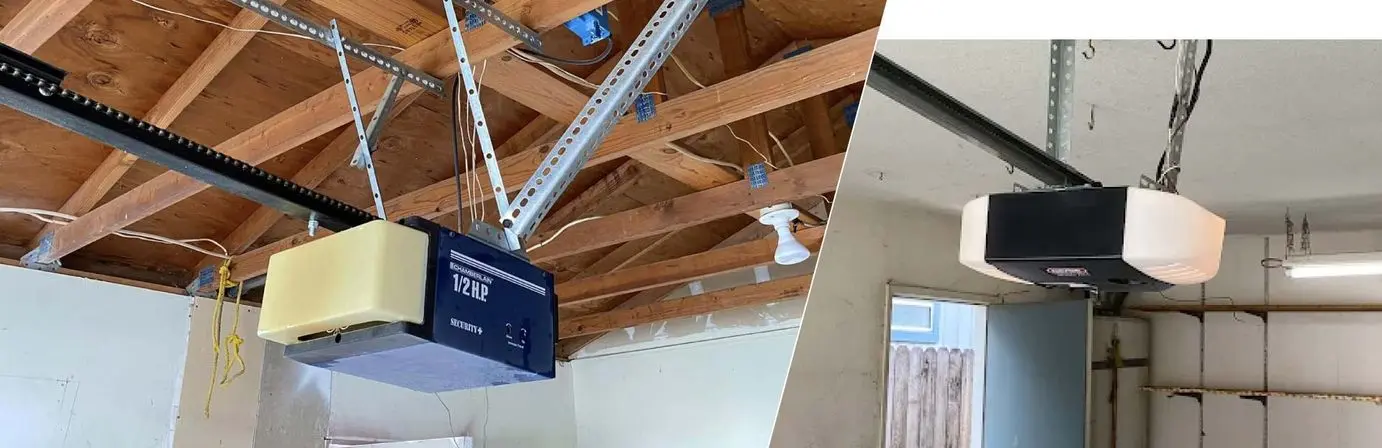
Now that the memory is wiped, your door won’t open at all. You need to reconnect your remotes one by one.
- Press and release the “Learn” button quickly (do not hold it). The LED light will glow steadily.
- Within 30 seconds, press and hold the button on your remote control that you want to use.
- Release the remote button when the opener light blinks or clicks. This confirms the new code is saved.
Repeat this process for every remote and keypad you own.
How to Program a Chamberlain Garage Door Opener Keypad
Troubleshooting: When a Reset Doesn’t Work
If you have followed the steps on how to reset garage door opener memory and it still fails, the issue might be hardware-related.
- Check the Power: Is the unit plugged in securely?
- Sensors: Are the safety eyes aligned? If the sensors are blocked, the door won’t close. Check our Sensor repair services.
- Logic Board: If the light never turns on, the circuit board might be fried. This often requires professional Door Opener Service.
Additional Maintenance Tips
While you are up on the ladder, it is a great time to do a quick check of the rest of the system. A healthy door is quiet and smooth.
- Lubricate: Spray the rollers and hinges (not the tracks!) with silicone lubricant.
- Inspect Springs: Look for gaps or rust on your torsion springs. If they look worn, visit our Coil Spring repair service page.
- Check Tracks: Ensure the tracks are not bent or misaligned. If they are, you might need Door Track repair.
For a full list of safety checks, read our Complete Guide to Maintenance Garage Door.
When to Call a Professional
Resetting an opener is a great DIY task, but mechanical failures are dangerous. Garage doors are heavy and under extreme tension.
If you hear grinding noises, see a loose cable, or if the door refuses to move even after a reset, stop immediately. Forcing it can cause expensive damage.
About Browns Garage Door
At Browns Garage Door, we have been serving the Central Valley for over 30 years. From Visalia to Fresno, our family-owned business is dedicated to keeping your home safe and accessible. Whether you need help figuring out how to reset garage door opener codes or require a full spring replacement, our team is here to help.
FAQs
Will resetting my garage door opener erase my keypad code?
Yes. When you perform a factory reset by holding the “Learn” button, it wipes all memory. This includes every handheld remote, your car’s HomeLink system, and the wireless keypad outside. You will need to reprogram all of them.
Why does my garage door opener light keep flashing?
A flashing light usually indicates an error. If it flashes 10 times, it typically means the safety sensors are misaligned or obstructed. If it flashes 5 times, the motor may be overheating. Consult your manual for specific error codes.
Can I reset my garage door opener without a remote?
Yes, you can reset the opener unit itself using the “Learn” button on the motor housing. However, to operate the door afterward, you will need to buy a new universal remote or install a wall-mounted control panel if you don’t have one.
How often should I reset my garage door codes?
There is no set rule, but it is smart to reset your codes whenever you move into a new house, lose a remote, or give a spare key/remote to a service worker who no longer needs access. It is a quick security measure.
What if my opener doesn't have a "Learn" button?
If your unit is very old (pre-1995), it likely uses “DIP switches.” These are tiny toggle switches inside the remote and the motor unit. To reset these, you simply change the pattern of the switches to a new combination, ensuring the remote and motor match exactly.